Common Good Labs
A technician reviewing a UniFi network, Synology storage, and office security equipment
IT Support & Server Management

Technology, quietly looked after

Managed servers and everyday IT support across Ontario. Tested backups, installed patches, safer networks, and a real person who already knows your setup.

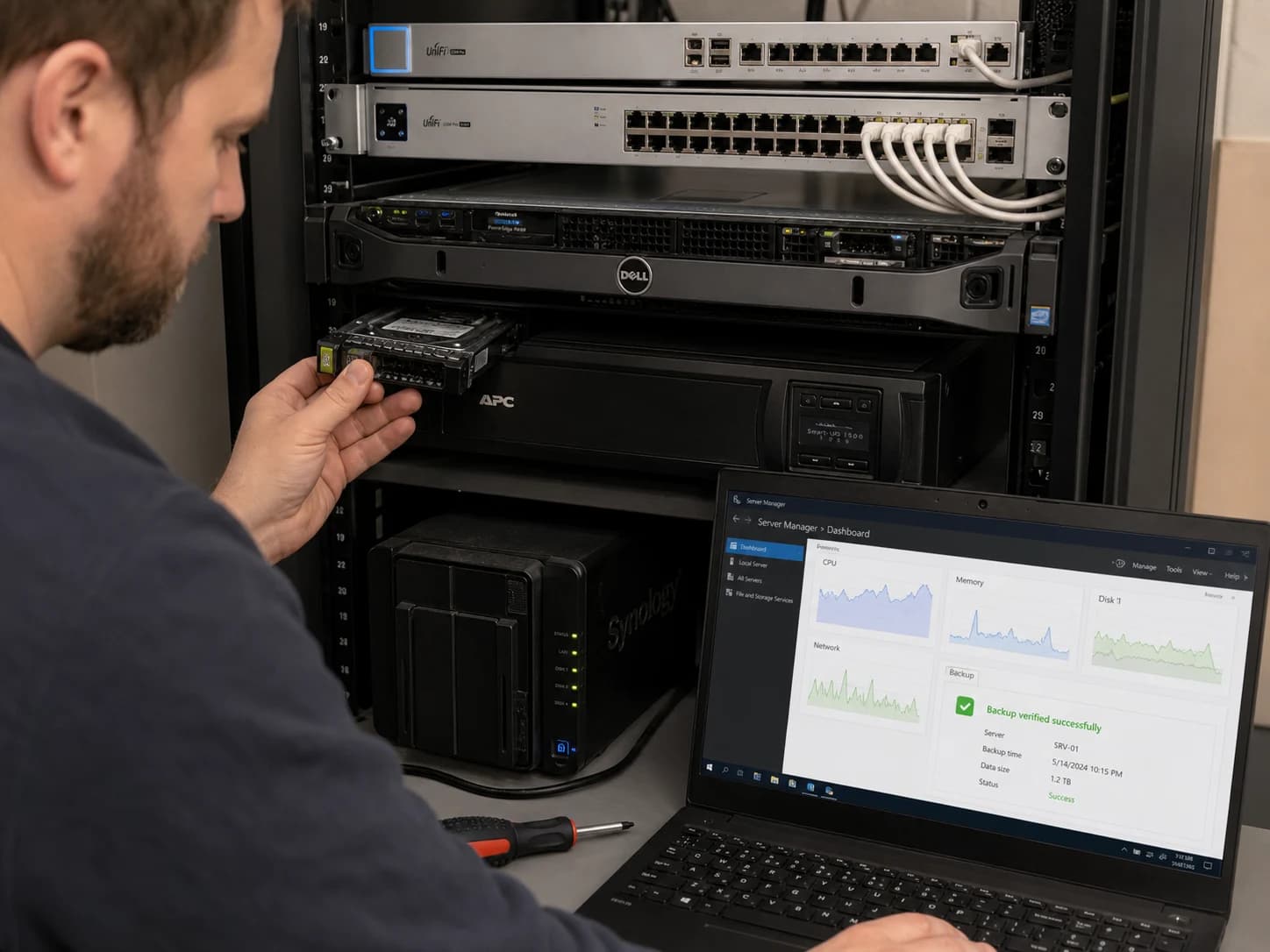
A technician checking a Dell server, APC power protection, and verified backups

Server Management

We look after the machine everything else depends on — the Windows server in your back room or your virtual machines in the cloud. Monitored daily, patched on a schedule, backed up and restore-tested, and reported on every month.

  • Daily automated health checks
  • Windows Update & reboot windows after hours
  • Backups verified by actually restoring a file
  • Hyper-V virtual machines watched for heartbeat
  • Alerts to us before they become outages for you
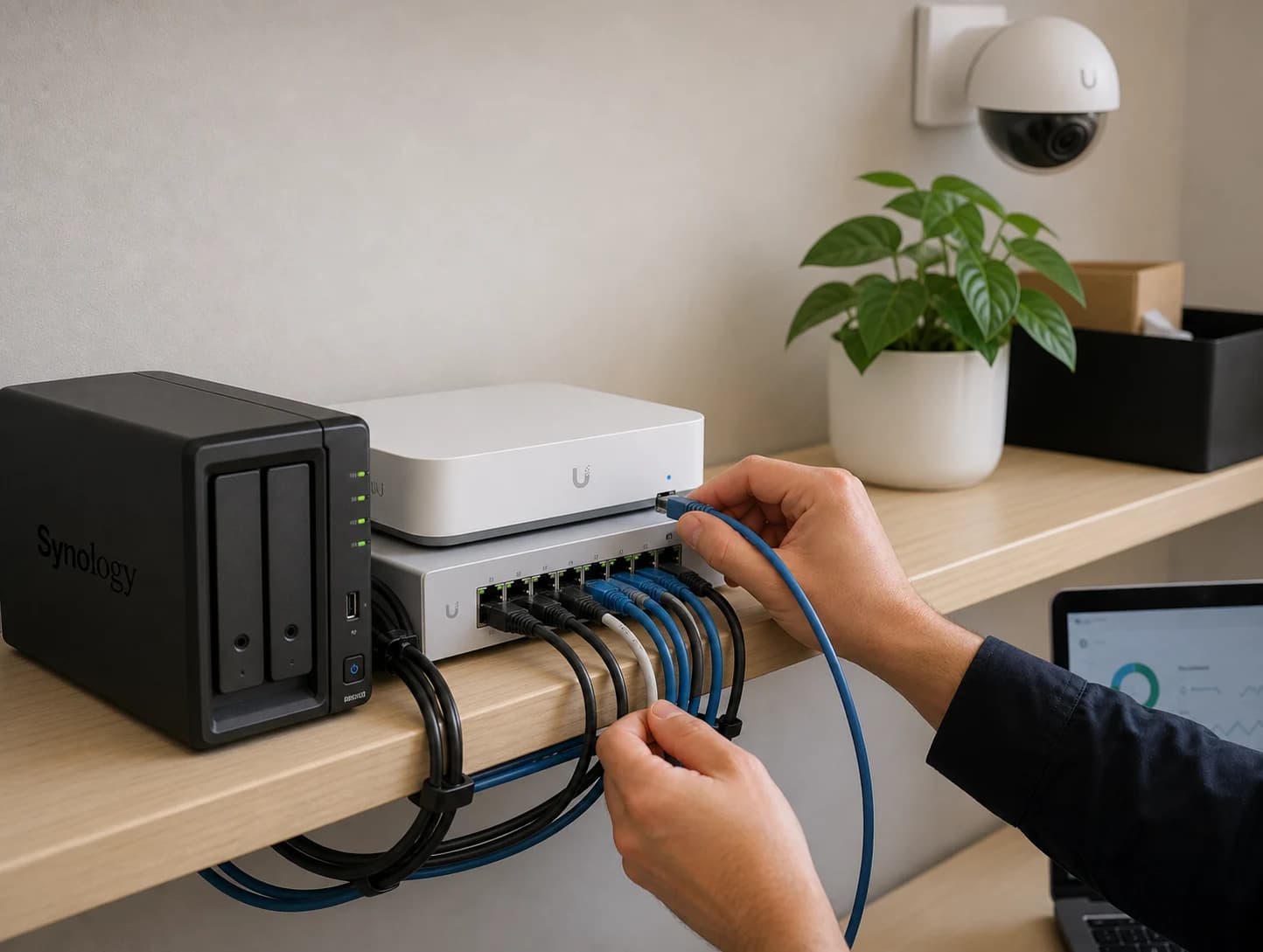
A technician connecting UniFi networking beside Synology storage and a security camera

Everyday IT Support

The rest of it: laptops that won't print, email that stopped syncing, a new hire starting Monday, an ex-employee whose accounts need closing. One place to call, and someone who already knows how your office is set up.

  • Help desk by phone, email, or in person
  • Microsoft 365 & Google Workspace administration
  • Networks, Wi-Fi, firewalls, and VPN
  • New-staff setup and secure offboarding
  • Honest advice before you buy hardware
What we watch

The things that quietly go wrong

Most server disasters announce themselves weeks in advance — a drive filling up, a backup that stopped finishing, a VM that never came back after a reboot. We check for all of it, every day.

Disk space & growth

Free space on every volume, trended over time, so we replace or clean up long before a drive fills and the server stops.

CPU, memory & uptime

Load and memory pressure tracked continuously — the early warning that a server is running out of room to work.

Backups & recovery points

Did last night's backup finish? How many recovery points exist, and how far back can you roll? We check, and we test-restore.

Virtual machines

Every Hyper-V guest checked for the right state and a healthy heartbeat, so a quietly stopped VM never goes unnoticed.

Security posture

Antivirus definitions, drive encryption, Windows activation, and pending security updates — confirmed, not assumed.

Event logs & errors

Critical and error events reviewed and grouped, so recurring hardware or service faults surface as a pattern, not noise.

The maintenance rhythm

A real checklist, on a real schedule

Not “we'll take a look sometime.” Every pass is a documented checklist, ticked off against live data from your server, and kept as a record you can read.

Every month
  • Windows Updates on the host and every VM
  • After-hours reboot when one is required
  • Backup completion and destination free space
  • CPU, memory, and free disk space
  • Antivirus definitions up to date
  • Event Viewer reviewed for real faults
  • Shared folders and mapped drives still reachable
  • Stale accounts removed; issues documented
Every quarter
  • Test restore from backup — proving it works
  • Active Directory users and group memberships
  • Former-employee accounts disabled
  • Disk growth trends reviewed
  • Stale Hyper-V checkpoints cleared
  • SMART / RAID and backup drive health
  • UPS checked, Windows licensing confirmed
Every year
  • BIOS and firmware updates reviewed
  • Aging backup drives replaced
  • Service-account passwords rotated
  • Administrator access reviewed
  • Disaster recovery plan walked through
  • Server documentation brought up to date

Items we can confirm from live server data are verified automatically. Everything else stays a manual tick by a human — deliberately. We never want a tool claiming work it didn't actually do.

Everyday support

One number, and someone who knows you

Every request gets logged so nothing quietly falls through — but you are never a number in a queue. No scripts, no explaining your own setup every time you call. We keep your environment documented so whoever picks up already has the context.

Workstations & laptops
Email, spam & Microsoft 365
Networks, Wi-Fi & firewalls
Onboarding & offboarding staff
Printers, scanners & shared drives
Hardware advice & procurement

Non-profits belong here

Charities and non-profits carry the same technology risk as any business, usually with a fraction of the budget and nobody whose job it is to worry about it. We price that work accordingly, and we'll help you claim the discounted and donated licensing you're already entitled to through the Microsoft and Google non-profit programs.

Ask about non-profit pricing
How it works

From unknown to under control

Most new clients don't know exactly what they have. That's normal — it's where we start.

A look at your setup

We start with a conversation and a walk through what you're actually running — servers, backups, accounts, licences. Enough for us to quote honestly, and for you to know what you're saying yes to.

Onboard & document

Monitoring goes on, gaps get closed, and everything is documented in plain language — so nothing about your business lives only in one person's head.

Monitor & maintain

Daily checks run on their own. The monthly, quarterly, and annual passes happen on schedule, after hours where they need to be.

Report & improve

Every month you get a short, readable report: what we did, what we found, what's trending the wrong way, and what we suggest doing next.

Ways to work together

Pick the level of care you need

Every plan is quoted per site once we've seen what you're running — a flat monthly fee, no per-seat traps, and no penalty for growing.

Monitored

Eyes on the server, so nothing fails silently.

  • Daily automated health checks
  • Alerting on disks, backups, VMs & security
  • Monthly health report
  • Support billed as used

Managed

Most chosen

Monitoring plus the hands-on maintenance work.

  • Everything in Monitored
  • Monthly, quarterly & annual maintenance
  • Patching and after-hours reboots
  • Backup restore testing
  • Priority response

Managed + Support

Your whole IT function, for far less than one hire.

  • Everything in Managed
  • Help desk for your whole team
  • Microsoft 365 & account administration
  • Onboarding & offboarding
  • Hardware and roadmap planning
Questions, answered

Frequently asked questions

Straight answers about what's covered, where we work, and how it's priced.

Does Common Good Labs offer IT support and server management?+

Yes. Alongside our software and design work, Common Good Labs provides managed server monitoring and maintenance, and everyday IT support for small and medium businesses and non-profits. That covers Windows servers and Hyper-V virtual machines, backups and restore testing, Microsoft 365 and Google Workspace, networks and Wi-Fi, workstations, and staff onboarding and offboarding.

What areas do you provide IT support in?+

We provide on-site IT support in St. Marys, Stratford, and across Perth County, Ontario, and remote support for clients anywhere in Canada. Server monitoring and maintenance is done remotely, so distance is not a barrier.

What does managed server monitoring actually check?+

Our agent reports daily on free disk space and growth, CPU and memory use, server uptime, pending Windows Updates and required reboots, backup completion and available recovery points, Hyper-V virtual machine state and heartbeat, antivirus definition age, drive encryption and Windows activation, and critical or error events in the Windows event log. Anything outside safe thresholds raises an alert to us.

How do you know our backups actually work?+

We do not just check that a backup job reported success. On a quarterly schedule we restore a real file from the most recent recovery point and verify it, which is the only way to prove a backup is genuinely usable. The result is recorded in your maintenance run and in your monthly report.

Do you work with non-profits and charities?+

Yes. Non-profits and registered charities are a core part of who we serve, and we price that work accordingly. We also help you make the most of non-profit technology programs such as discounted or donated Microsoft 365 and Google Workspace licensing.

How much does IT support cost?+

Server management is quoted as a flat monthly fee per server, based on what runs on it and how much maintenance it needs. Everyday support is either included in a monthly plan or billed as used, whichever suits you better. We quote it up front once we've seen what you're running, with no per-seat traps and no surprise invoices.

Do we have to be an existing Common Good Labs client?+

No. Many IT support and server management clients have never had a website or app built by us. If you just need someone reliable looking after your server and your team's day-to-day technology, that is a perfectly good place to start.

Something not answered here? Email hello@commongoodlabs.ca or call (226) 779-4828.

Let's talk about what you're running.

Tell us what you've got and what's been going wrong. We'll walk through it with you and come back with a straight answer and an honest quote.